
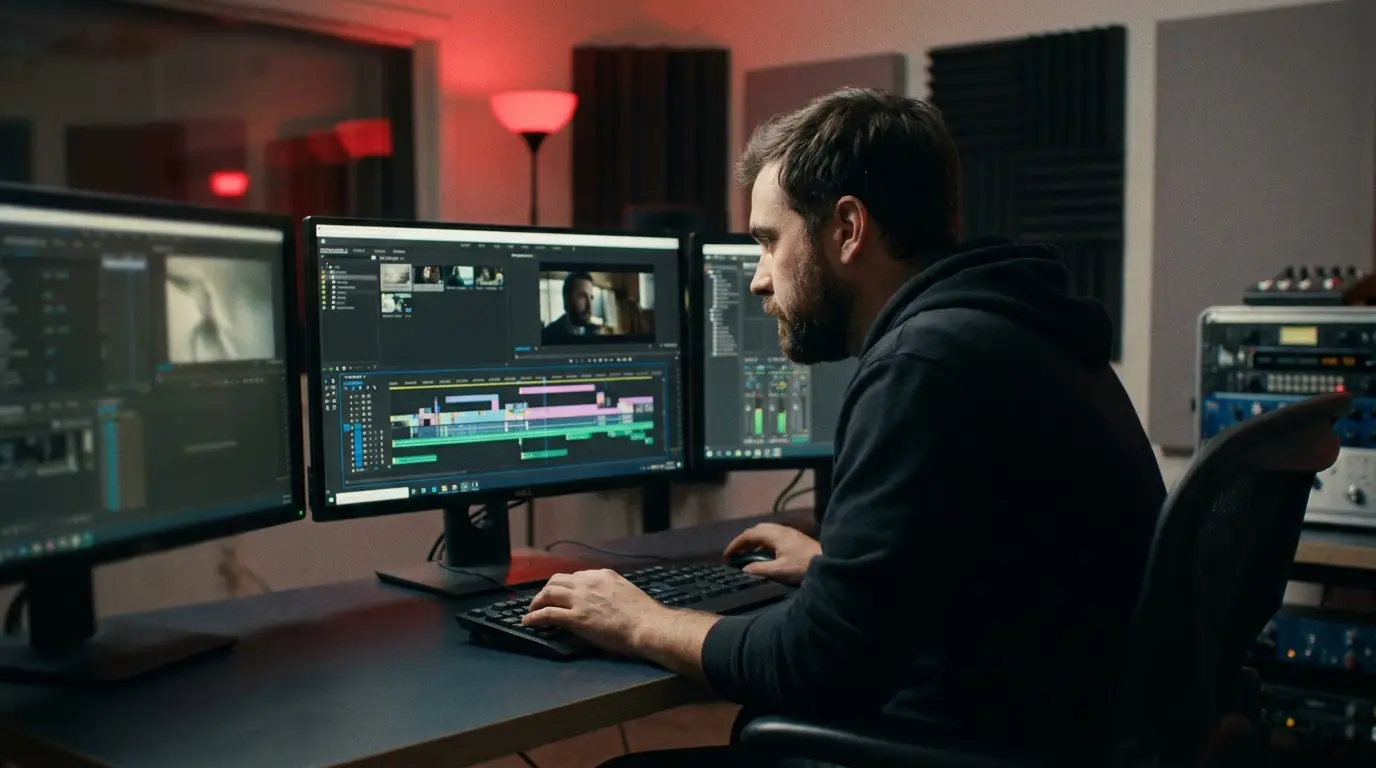
Here's a truth that surprises new creators: a video isn't really made on set — it's made in the edit. The shoot gathers the ingredients; editing is the kitchen where they become a meal. Two editors can take the exact same footage and produce wildly different videos. The good news? A handful of simple habits will make your edits feel dramatically more professional, fast.
1. Cut Ruthlessly
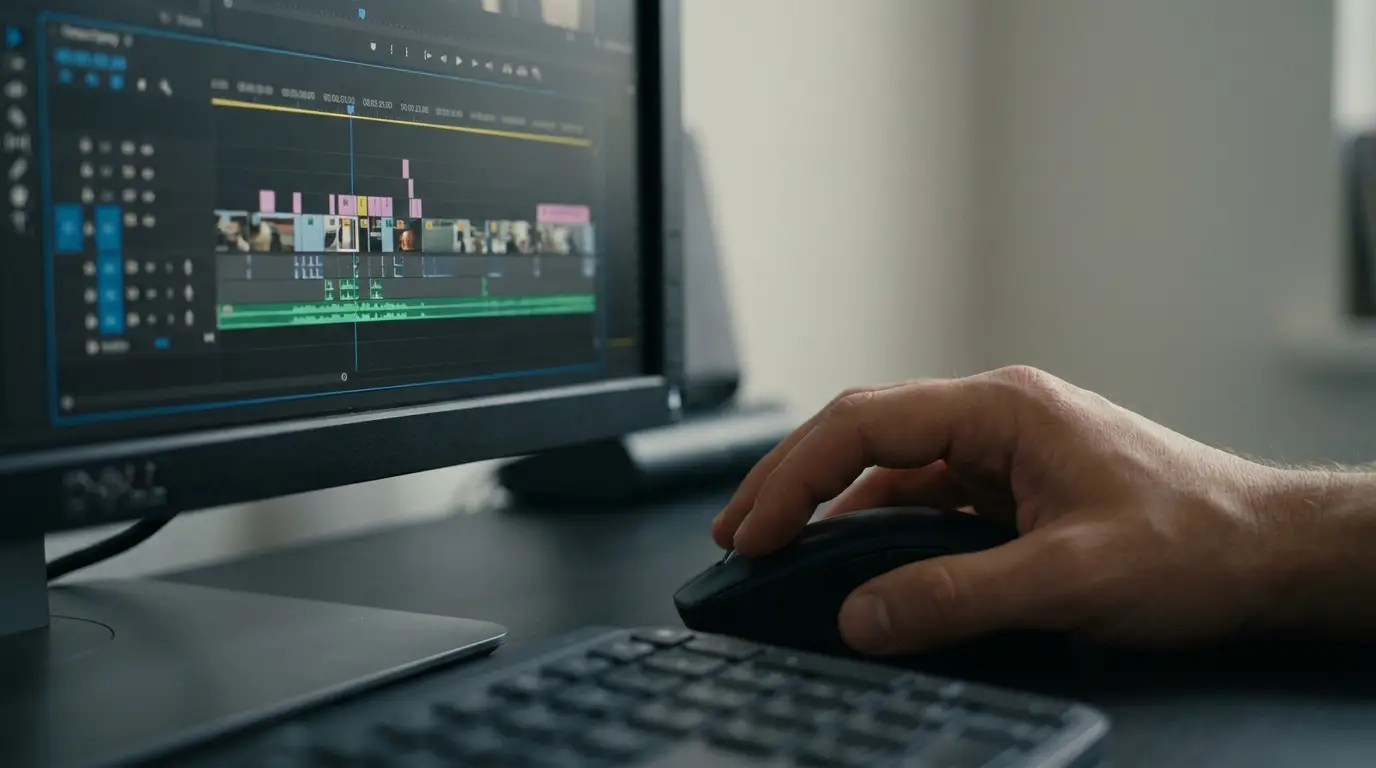
The sculptor Michelangelo supposedly said he just removed everything that wasn't the statue. That's editing. Your job is to cut away every "um," every dead pause, every second that doesn't move things forward. Beginners hold shots too long because they're attached to footage that was hard to get. Don't fall in love with your clips — fall in love with the finished video. When in doubt, cut it out.
2. Pacing Is the Heartbeat
Pacing is how fast or slow your video feels, and it's the single biggest factor in whether people watch to the end. Vary it like a piece of music: quick cuts build energy, a held shot lets a big moment breathe. And don't fear silence — that beat of stillness right before a reveal is pure gold. Our brains crave variation, so keep the rhythm changing and attention stays locked in.
3. Make Your Cuts Invisible
A jarring cut yanks viewers out of the story. A simple trick the pros lean on: cut on motion. If someone stands up, cut in the middle of the movement — the action carries the eye across the edit and your brain barely registers it. Smooth cuts keep people in the flow instead of noticing the seams.
4. Let B-Roll Do the Heavy Lifting
B-roll — the supporting shots over a voice or interview — is the seasoning of editing. It illustrates what's being said, adds visual interest, and (bonus) hides cuts in your main footage. Trimmed a rambling sentence out of an interview? Drop a relevant b-roll shot over the splice and the cut vanishes. A little b-roll makes everything look intentional.
5. Color Sets the Mood
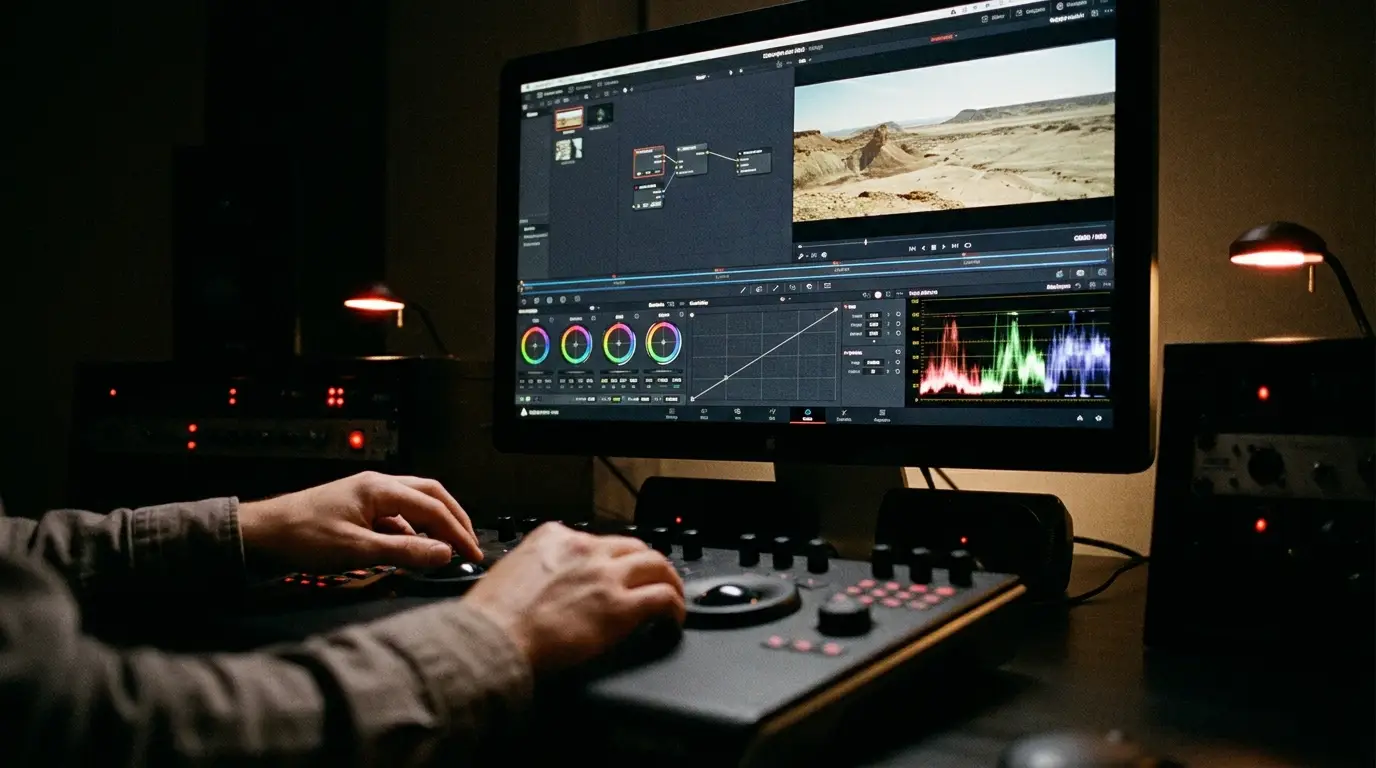
Color grading is makeup and mood lighting applied after the shoot. Even basic adjustments — balancing exposure, fixing white balance so skin looks natural, adding a gentle warm or cool tone — instantly lift footage from "phone video" to "produced." Start subtle. The goal is consistency across all your clips first; style second.
6. Sound & Music Are Half the Emotion
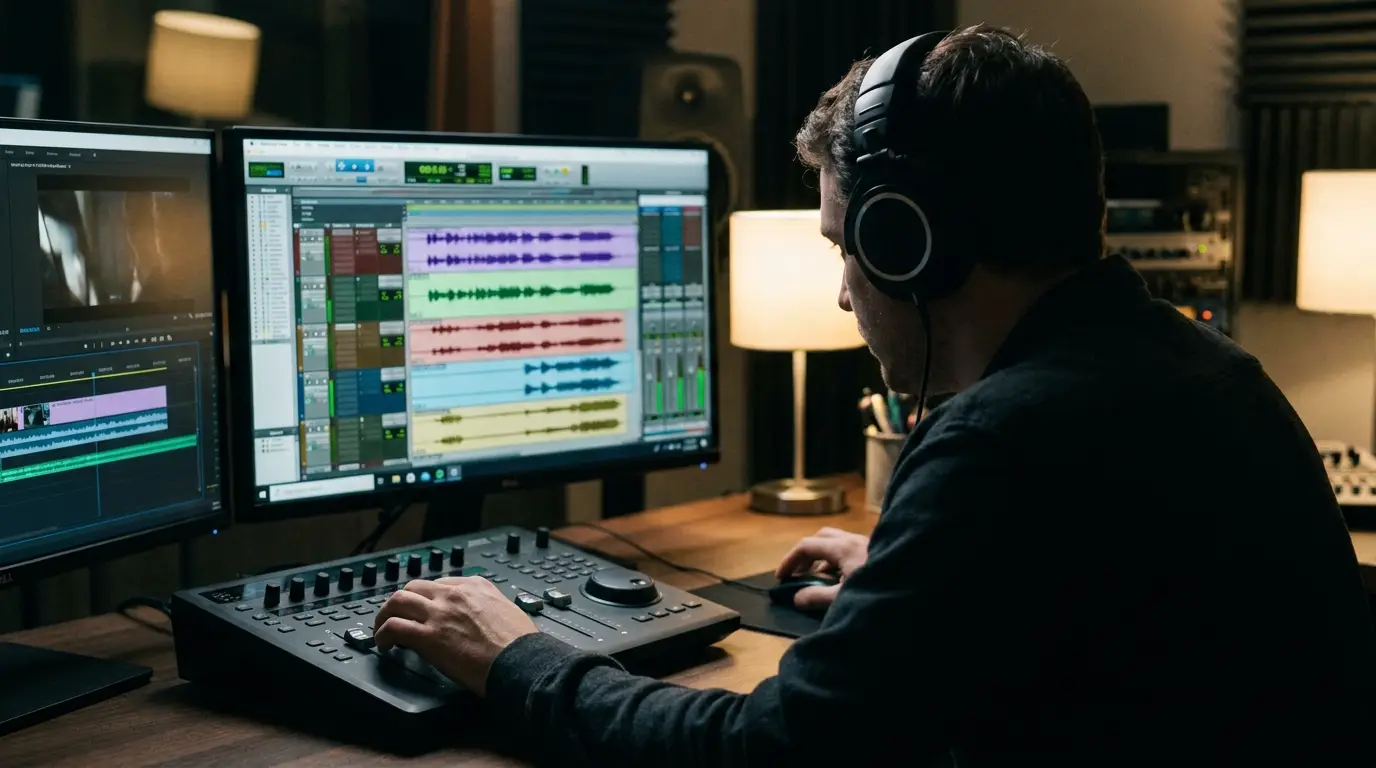
Play the same scene under tense music, then under uplifting music — it becomes two different videos. Music is the invisible director of how your audience feels. Choose tracks that match the emotion, keep music low under talking (so it supports, not fights, the words), and add subtle sound effects for polish. And always check your levels: dialogue clear, music tucked beneath it.
7. Less Is More
New editors discover transitions and effects and want to use all of them. Resist! Spinning, flashy transitions scream amateur. The pros mostly use simple cuts and the occasional clean cross-dissolve. Restraint reads as confidence. Let the story be the star, not your effects panel.
Beginner Editing Checklist
- Cut every "um," pause, and shot that doesn't serve the story
- Vary your pacing — quick cuts and intentional pauses
- Cut on motion to hide your edits
- Use b-roll to add interest and cover splices
- Balance exposure and white balance, then grade subtly
- Match music to mood; keep it under the dialogue
- Stick to simple cuts — skip the flashy transitions
"Editing isn't about adding everything you can. It's about removing everything you should — until only the good stuff is left."
Edit Like You Mean It
You don't need expensive software or years of training to edit well — you need taste, restraint, and these few habits. Cut tight, mind your pacing, grade gently, and let sound carry the feeling. Do that and your videos will start to look and feel genuinely professional.
Sitting on footage you'd love to turn into something polished? Let's talk — editing is one of our favorite parts of the job.

James is a creative professional and marketing leader with 20+ years across film, animation, broadcast production, and brand marketing. He founded MediaMarvels to help businesses tell their stories with a filmmaker's eye and a marketer's mindset.