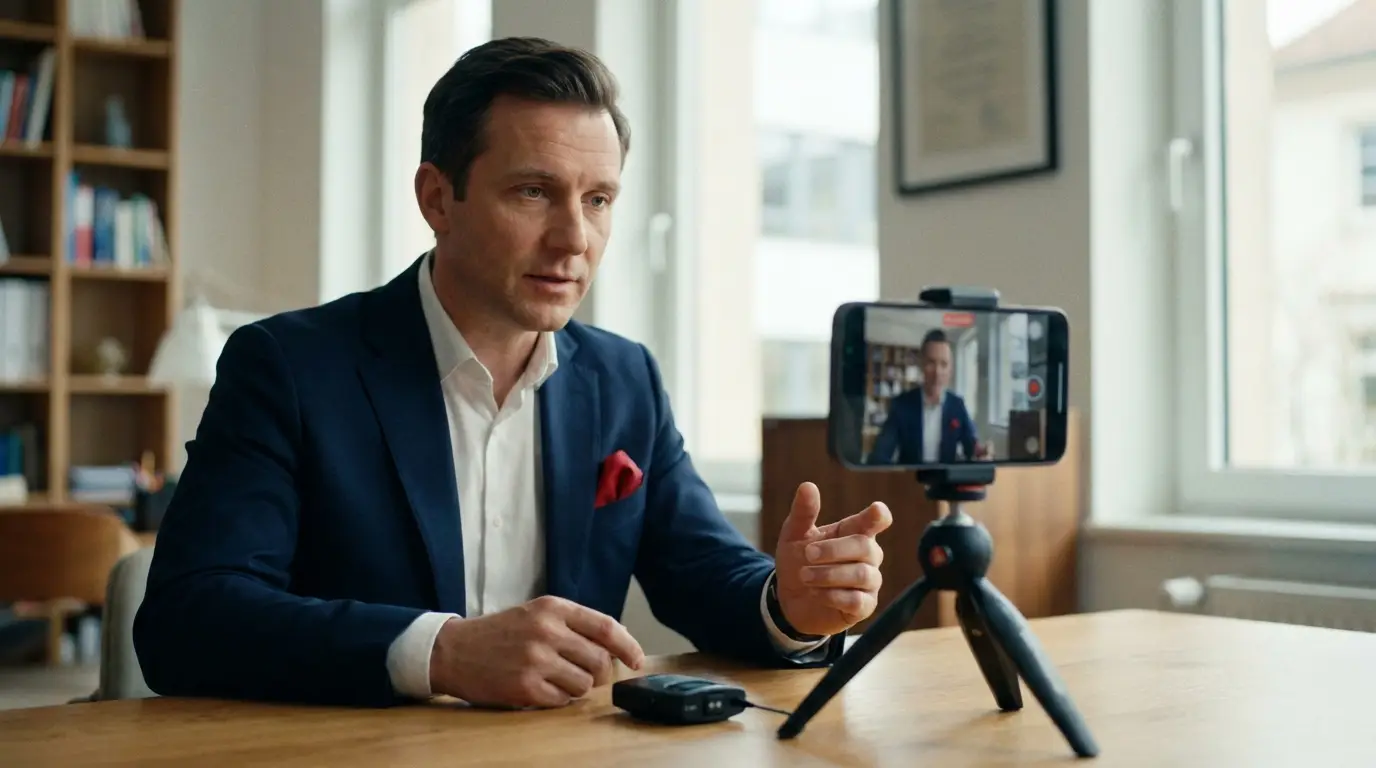
If most social platforms are the house party, LinkedIn is the industry conference — same people, very different room. The conversations are professional, the audience is there to learn and do business, and showing up well earns real credibility. Video is the fastest way to stand out at that conference… and most businesses still aren't using it. That's your opening.
LinkedIn has gone all-in on video, and the early movers are reaping outsized reach. Here's how to do it right.
Upload Native, Always
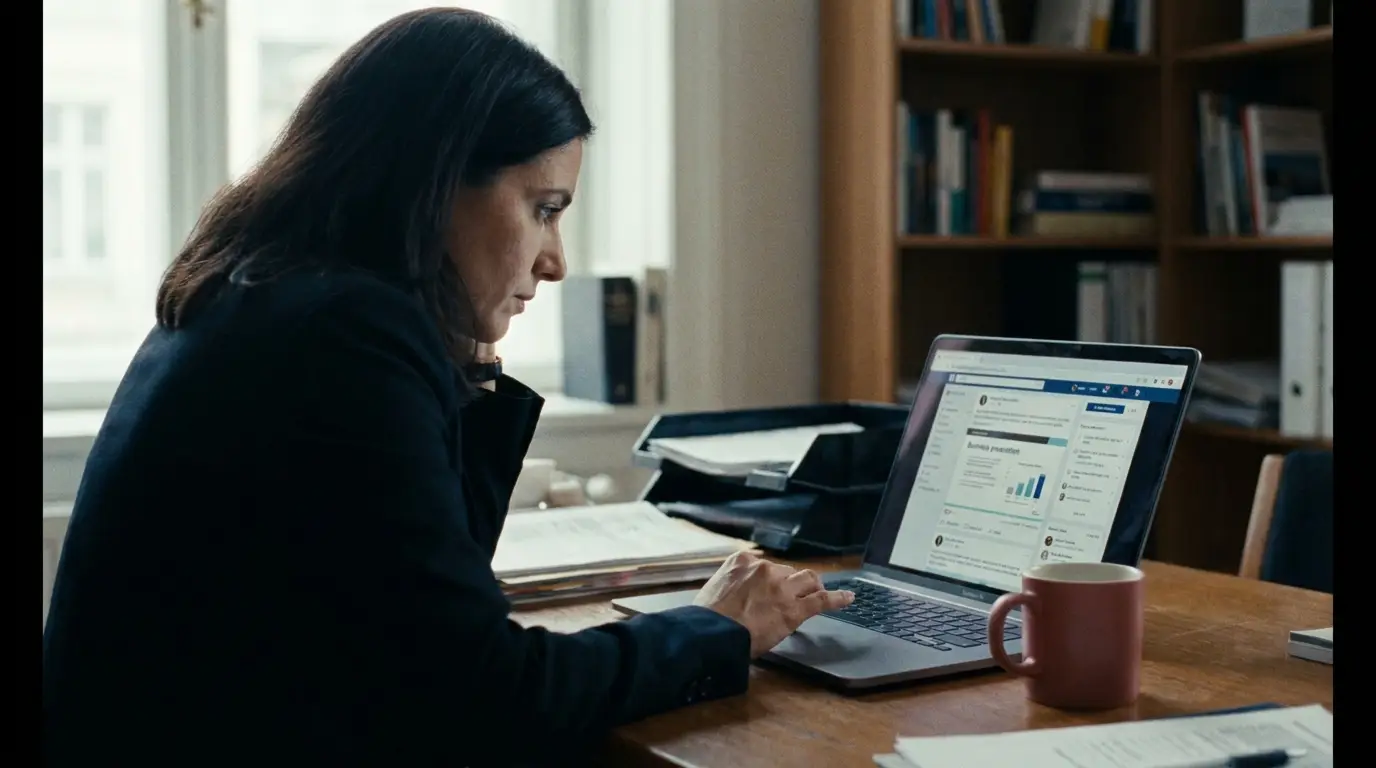
This one's easy and free: upload your video file directly to LinkedIn rather than dropping a YouTube or Vimeo link. LinkedIn wants to keep people on LinkedIn, so it gives native uploads a serious distribution boost — native video earns around 38% more engagement than shared links. Posting a link is like handing out a flyer that asks people to leave the party; native video brings your work right into the room.
Design for the Mute Button

Picture your viewer: scrolling between meetings, phone on silent, maybe in an open office. Over 80% of LinkedIn video is watched without sound. If your message lives only in the audio, it's lost. Add clean, high-contrast captions (white text on a subtle dark background reads best), and upload a caption file when you post. Design every video to work perfectly on mute.
Lead With Value, Not a Pitch
LinkedIn is where buyers go to get smarter — and it shows: 62% of B2B buyers say they trust video content on the platform. But trust is earned by teaching, not selling. Share a genuine insight, a lesson learned, a quick how-to, a behind-the-scenes look. Be the helpful person at the conference everyone wants to grab coffee with, not the one shoving brochures at strangers. Give value first; the business follows.
Keep It Short and Hook Fast
Attention is short and professional time is precious. Keep most native videos under two minutes, and earn the watch in the first six seconds with a clear, specific promise — "Here's how to cut your onboarding time in half," not a slow logo intro. Shoot square (1:1) or vertical (9:16), since they fill more of the mobile screen and outperform landscape in the feed. Respect people's time and they'll give you more of it.
Spark a Conversation
LinkedIn's algorithm loves one thing above all: meaningful professional discussion. Video that holds attention and sparks comments gets rewarded with reach — LinkedIn video ads alone hold attention up to three times longer than static ones. So invite the conversation: ask a real question in your caption or at the end of the video, share a point worth debating, and actually reply to the comments you get. End with a clear, simple next step — follow, comment, or reach out.
LinkedIn Video Checklist
- Upload native — never just a link
- Captions on (most watch on mute)
- Lead with value; teach, don't pitch
- Keep it under 2 minutes
- Hook in the first 6 seconds
- Shoot square or vertical for mobile
- Ask a question to spark discussion
"On LinkedIn, video is how you become the expert people remember — show up, teach something useful, and start a conversation."
Take Your Seat at the Table
LinkedIn rewards businesses that show up on video with helpful, human, professional content — and because so few do it well, the runway is wide open. Upload native, caption everything, teach generously, keep it tight, and invite the conversation. Do that consistently and you won't just get views; you'll build the kind of authority that turns into pipeline.
Need polished, on-brand LinkedIn video without adding to your plate? Let's talk about your project — it's exactly what we do.
James is a creative professional and marketing leader with 20+ years across film, animation, broadcast production, and brand marketing. He founded MediaMarvels to help businesses tell their stories with a filmmaker's eye and a marketer's mindset.