
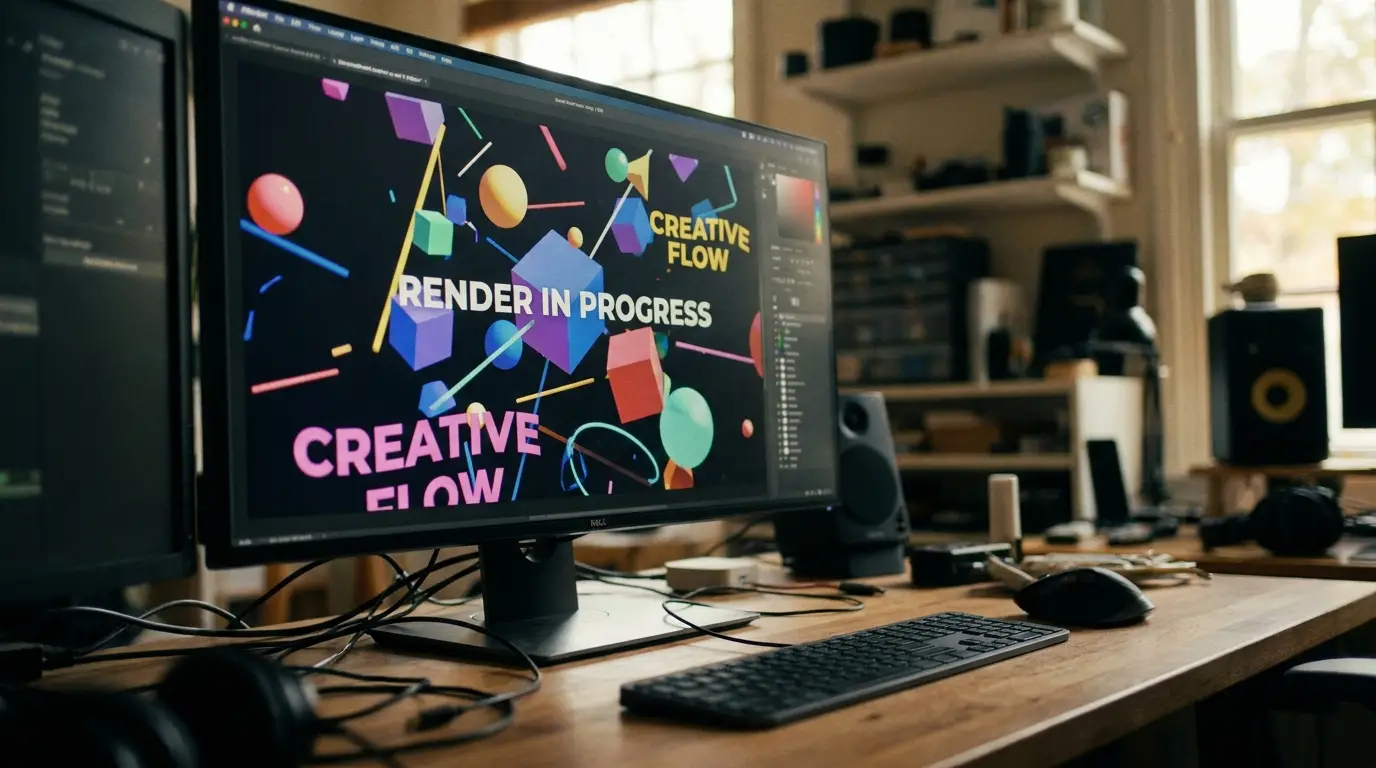
"Motion graphics" and "animation" get tossed around like they mean the same thing — and in casual conversation, no harm done. But when you're planning a project (and a budget), knowing the difference helps you ask for exactly what you need. Here's the plain-English breakdown.
What Are Motion Graphics?
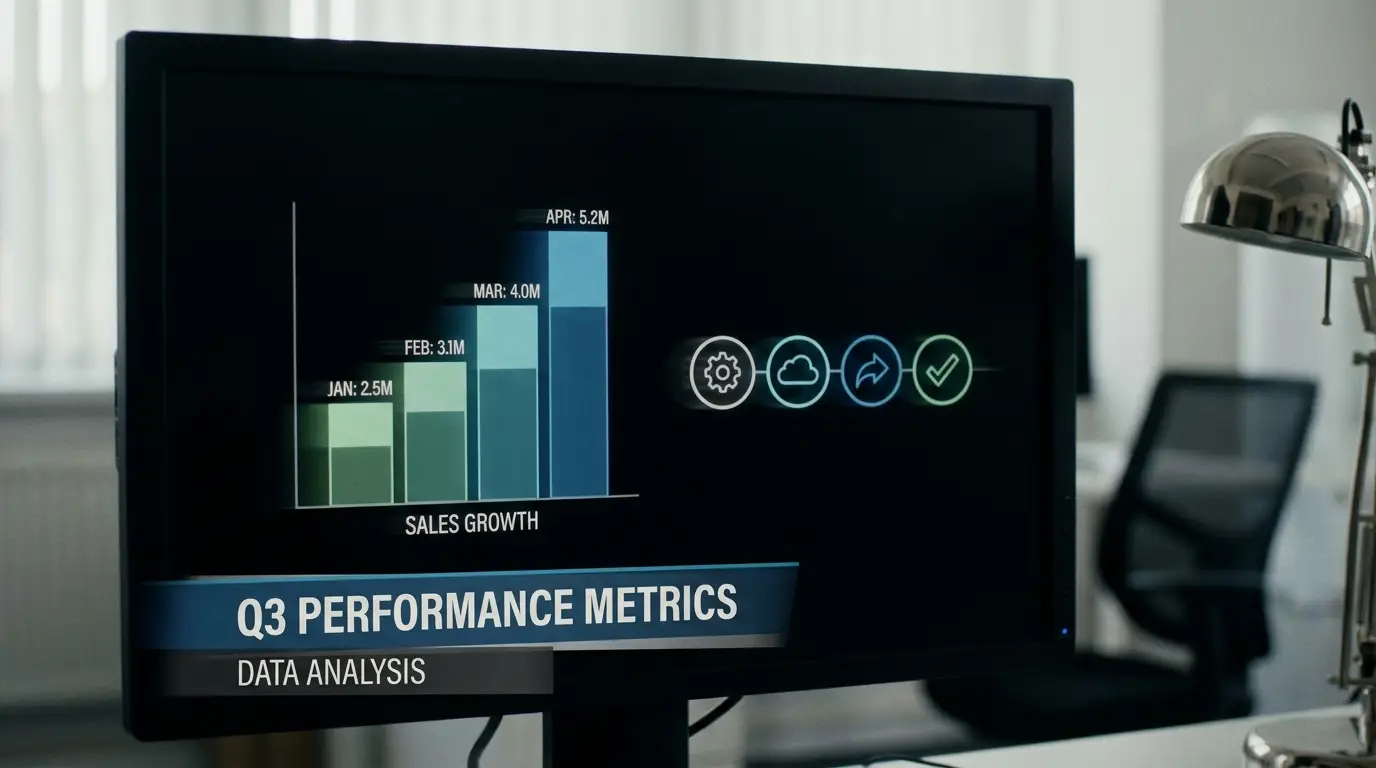
Motion graphics are graphic design that moves. Think animated text, charts that build, icons that pop, a logo that assembles itself, the lower-thirds naming a speaker, or a slick explainer that turns a complicated idea into simple moving shapes. There are usually no characters and no story arc — the goal is to communicate information in a way that's clearer and more engaging than a static graphic. If it's design elements dancing to make a point, it's motion graphics.
What Is Animation?
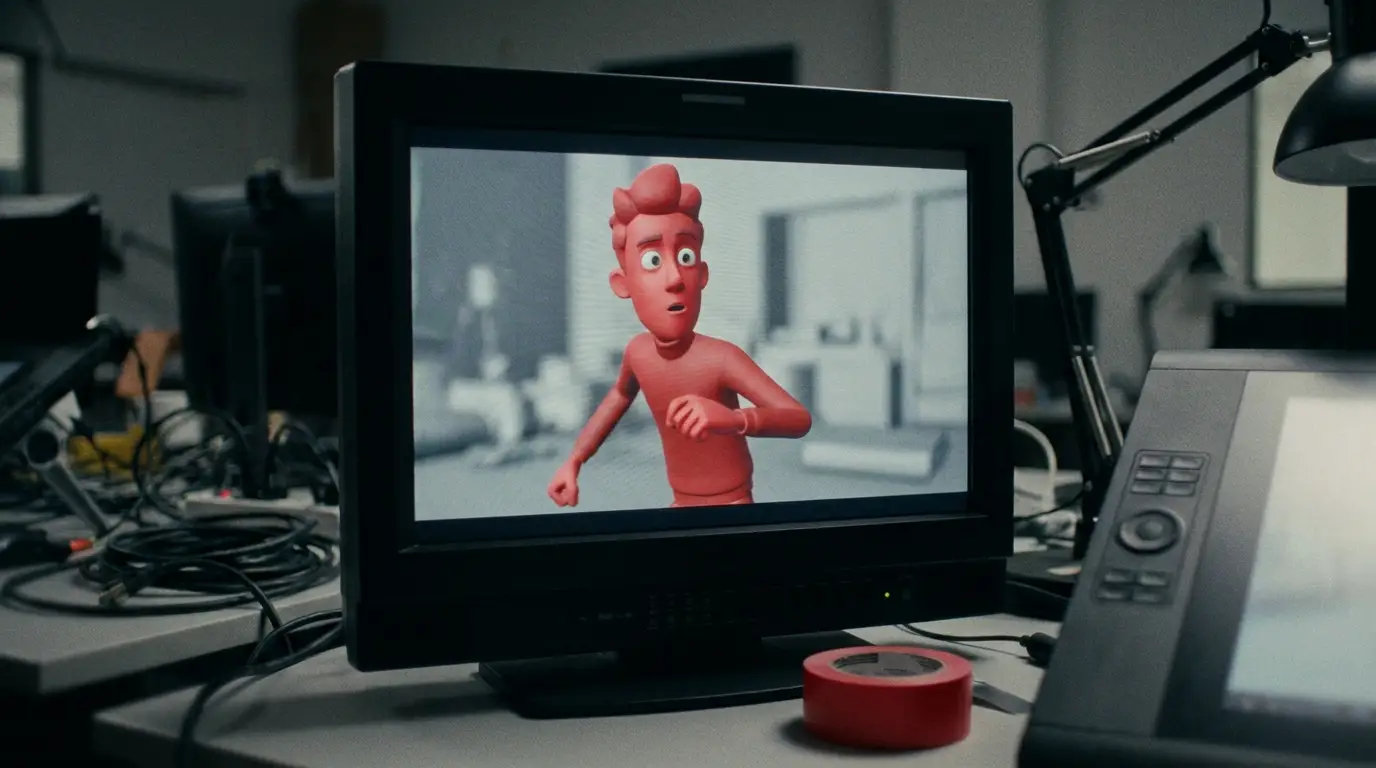
Animation is the broader art of bringing characters, worlds, and stories to life — 2D cartoons, 3D characters, claymation, the works. It's built around narrative and emotion: a character with a personality, a little world with its own rules, a story that takes the viewer somewhere. Where motion graphics explain, animation tells a story.
The Easiest Way to Tell Them Apart
Here's the relationship in one line: all motion graphics are a type of animation, but not all animation is motion graphics. It's like squares and rectangles — every square is a rectangle, but not every rectangle is a square. Motion graphics are one specific, design-driven corner of the much bigger animation universe.
A quick gut check: Is there a character with a personality and a story? If yes, you're in animation territory. If it's text, icons, data, and shapes moving to explain something, that's motion graphics.
Which Does Your Project Need?
It comes down to your goal:
- Reach for motion graphics when you need to explain a product, visualize data, animate a logo, add polished titles to a video, or simplify a complex idea fast. They're typically quicker and more budget-friendly.
- Reach for animation when you want to tell an emotional story, build a brand character or mascot, or create a memorable world. It's a bigger lift, but unbeatable for connection and personality.
And they play beautifully together — a story-driven animated explainer with crisp motion-graphic data overlays is a classic, powerful combo.
Which One Do You Need?
- Explain a product or idea → Motion graphics
- Animate a logo, titles, or data → Motion graphics
- Tell an emotional story → Animation
- Build a character or mascot → Animation
- Want both clarity and story → A blend of the two
"Motion graphics make information move. Animation makes stories come alive. Pick the one that matches your goal — or blend them."
The Bottom Line
You don't need to memorize the textbook definitions — just remember that motion graphics explain and animation tells stories. Knowing which one your project calls for means clearer conversations, better quotes, and a final video that does exactly what you hoped.
Not sure which fits your idea? That's a fun problem to solve. Tell us what you're imagining and we'll point you to the right approach.

James is a creative professional and marketing leader with 20+ years across film, animation, broadcast production, and brand marketing. He founded MediaMarvels to help businesses tell their stories with a filmmaker's eye and a marketer's mindset.